Sennheiser
Sennheiser IE 100 Pro Dynamic In-Ear Monitors (Black)

MSRP
$119.00
PAC price
$99.95 USD
Save
$19.05
compared with MSRP


Sennheiser
PAC price
$99.95 USD
Sennheiser

PAC price
$1,249.00 USD
Shure

PAC price
$989.00 USD
Sennheiser

PAC price
$649.00 USD
Sennheiser
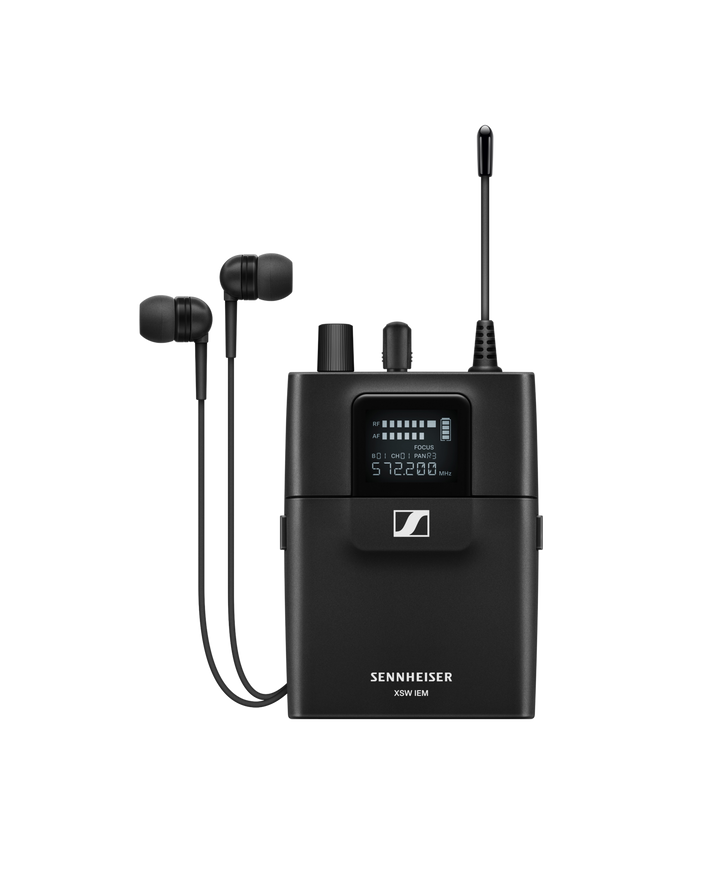

PAC price
$379.00 USD
Sennheiser
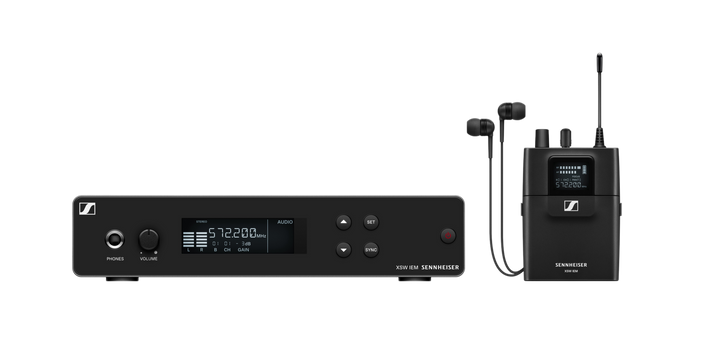

PAC price
$649.00 USD
CAD Audio
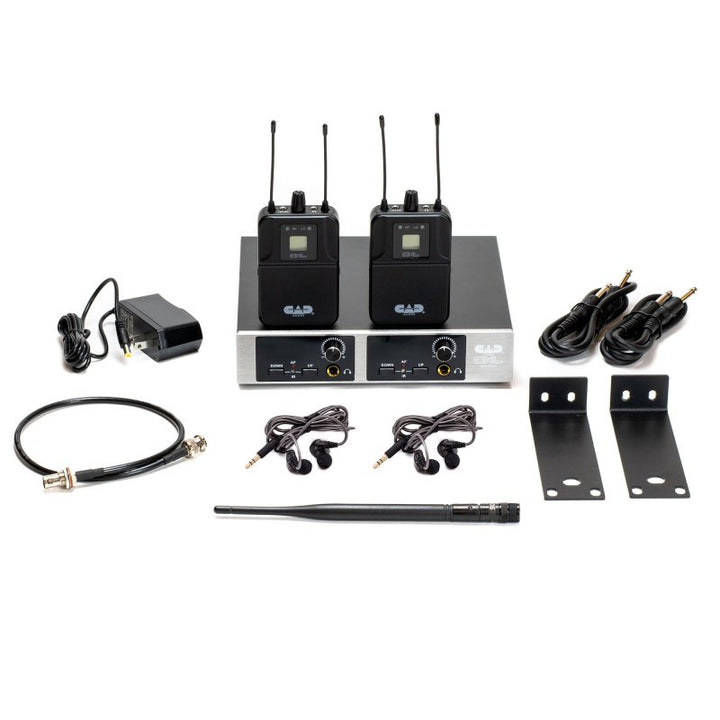

PAC price
$249.99 USD
CAD Audio
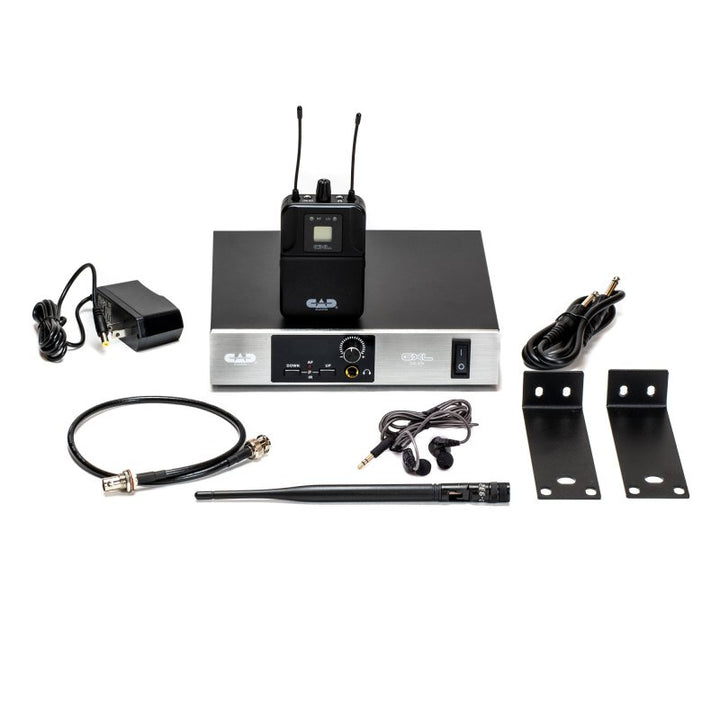

PAC price
$159.99 USD
First determine whether you need a complete wireless system, an additional bodypack receiver, or professional earphones. Then plan mixes, mixer outputs, RF coordination, fit, isolation, and safe listening controls.
A complete wireless IEM path normally requires a transmitter, a compatible bodypack receiver, and earphones. Receiver-only and earphone-only listings are useful for expansion or replacement but do not create a complete wireless system by themselves.
Check first: Confirm every included component and the exact tuning band.
Decide how many performers need unique mixes and whether the system will operate in stereo, mono, or a dual-input mix mode. The mixer must provide enough suitable aux outputs, and the wireless system must support the planned receivers and mixes.
Plan for: More receivers can share a mix; more unique mixes need additional paths.
Coordinate IEM transmitters with wireless microphones and other RF devices. A secure ear-tip fit improves consistency and isolation. Begin at a low level, use available limiters, and manage both sound level and exposure time.
Remember: Isolation does not replace responsible level control.
Use the Pro Audio Clinic AI Gear Advisor to compare complete systems, bodypack receivers, earphones, frequency bands, stereo and mono modes, mix count, expansion, battery runtime, fit, accessories, and budget.
Ask the AI Gear AdvisorFrequently Asked Questions
A typical wireless setup uses a line-level monitor mix from the console, an IEM transmitter, a compatible bodypack receiver, and earphones. Antennas, rack hardware, batteries, and cables may also be required. Confirm whether the listing is a complete set or only one component.
Often, multiple compatible bodypack receivers can tune to one transmitter and hear the same transmitted program. That does not automatically create separate personalized mixes. The number of unique mixes depends on the mixer outputs, transmitter channels, operating mode, and system design.
Use suitable line-level aux or mix outputs from the console. A stereo IEM mix generally uses two output paths, while a mono mix generally uses one. Confirm connector type, nominal level, routing, pre-fader operation, and the input requirements of the exact transmitter.
No. Professional earphones reproduce the monitor signal but do not transmit or receive wireless audio by themselves. They can connect to a compatible bodypack, wired monitor amplifier, or other suitable headphone source. Verify connector, impedance, fit, and included ear tips.
A proper seal can reduce outside stage noise and may make a clear mix possible at a lower level, but IEMs do not guarantee safe exposure. Start low, avoid unnecessary level, limit exposure time, use the receiver limiter when available, and seek qualified hearing guidance for personalized protection.
Choose a band that is compatible with the exact transmitter and receiver and suitable for the operating location under current U.S. rules. Coordinate IEMs together with wireless microphones and other RF systems; do not plan each category independently.
Contact Pro Audio Clinic for help with product availability, quotes, bulk orders, and exclusive promotions.
Contact Pro Audio ClinicHow We Can Help