Mackie
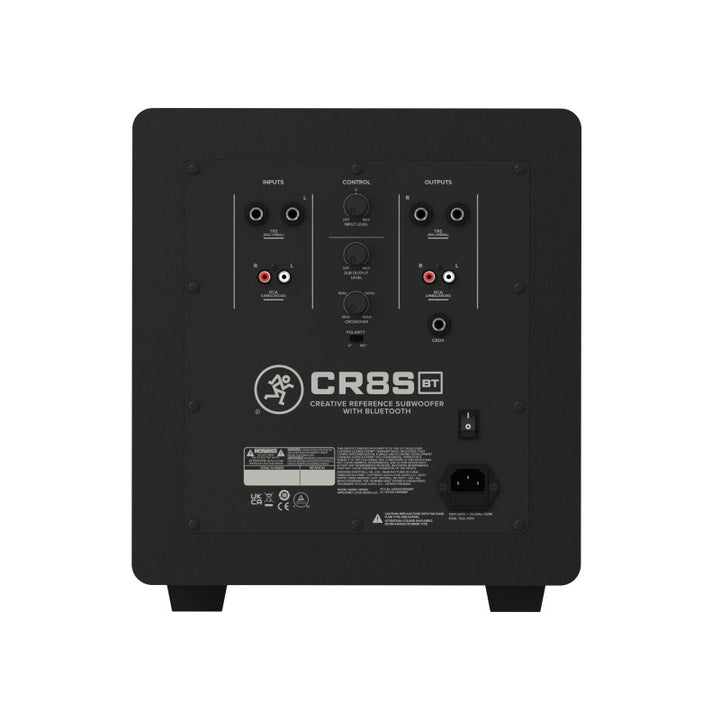
Mackie CR8SBT 8-Inch Bluetooth Studio Subwoofer

PAC price
$199.99 USD


Mackie
PAC price
$199.99 USD
Yamaha
 Sold out
PAC price
$424.99 USD
Mackie

PAC price
$129.99 USD
Yamaha

PAC price
$339.14 USD
Yamaha

PAC price
$169.99 USD
JBL
 Sold out
PAC price
$1,921.91 USD
Mackie

PAC price
$649.99 USD
EVE Audio

PAC price
$749.99 USD
Mackie

PAC price
$299.99 USD
Start with your listening distance, room, required output, and workflow. Then compare amplification, bass extension, connections, placement controls, and whether each listing includes one monitor or a pair.
Active or powered monitors include amplification inside the cabinet. Passive monitors require a compatible external power amplifier and may have additional processing or calibration requirements.
Check first: Amplification, inputs, cables, and required accessories.
Choose monitors for the distance between the speakers and your listening position, the output and headroom you need, and the low-frequency range your room can support—not by woofer diameter alone.
Starting point: Nearfield designs suit close listening positions.
Begin with left-right symmetry, equal distance from each monitor to the listening position, and the speakers aimed toward the listener. Stands, isolation, acoustic treatment, and calibration can improve consistency.
Remember: Placement and room reflections affect what you hear.
Use the Pro Audio Clinic AI Gear Advisor to compare room size, listening distance, monitor type, connections, bass extension, features, and budget.
Ask the AI Gear AdvisorFrequently Asked Questions
Active or powered monitors contain built-in amplification and normally accept a line-level signal from an audio interface, mixer, monitor controller, or other compatible source. Passive monitors require an external power amplifier matched to the speaker's requirements.
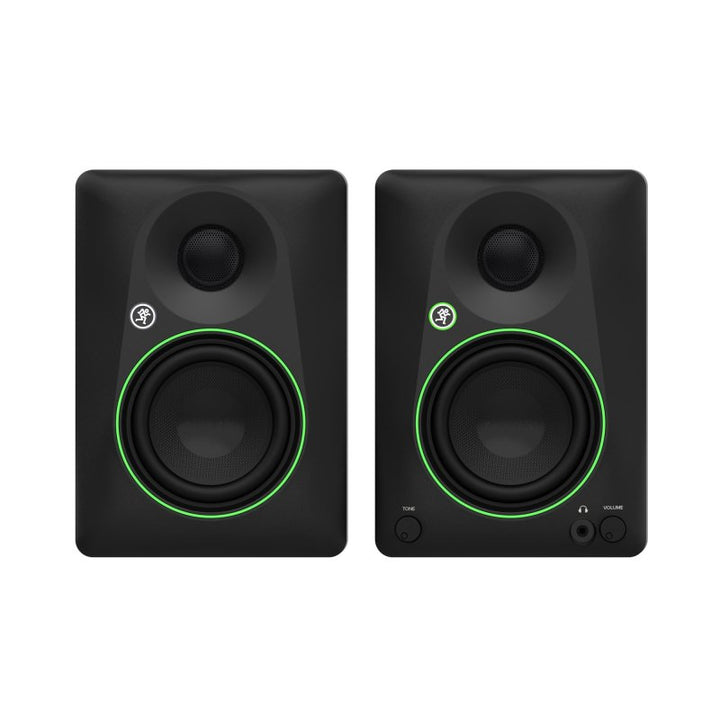
It varies by model. Many professional studio monitors are sold individually, while some compact monitoring systems include a pair. Check the product title, description, included-items information, and quantity before ordering two speakers for a stereo system.
No. A larger woofer may provide greater low-frequency extension or output, but the best choice also depends on listening distance, room behavior, monitor design, maximum output, placement, and intended use. Compare complete specifications rather than woofer size alone.
Not always. A properly integrated subwoofer can extend low-frequency monitoring for bass-heavy music, film, post-production, and immersive systems. The room, crossover, level, phase, placement, and calibration must be managed carefully for reliable results.
Most active studio monitors connect to line-level outputs from an audio interface, mixer, or monitor controller using the supported XLR, TRS, RCA, or digital connection. Passive monitors additionally require a compatible power amplifier and speaker cable. Verify every model's inputs.
Yes. Use the Pro Audio Clinic AI Gear Advisor or contact us for help comparing room needs, listening distance, monitor type, source compatibility, accessories, availability, and price.
Contact Pro Audio Clinic for help with product availability, accessories, quotes, bulk orders, and exclusive promotions.
Contact Pro Audio Clinic