
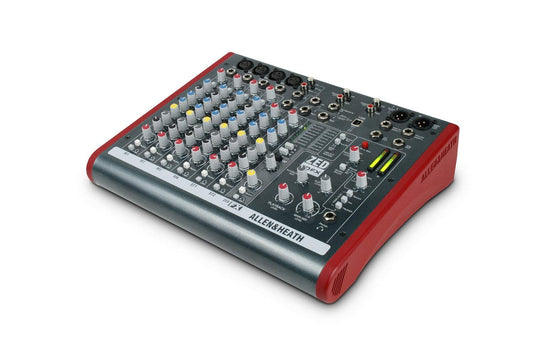
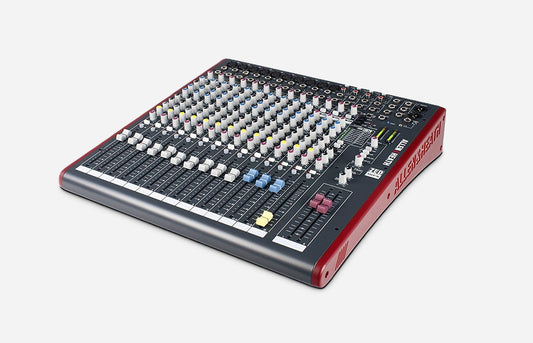
Featured Mixers & Consoles

Choosing the Right Live Sound Mixer

Start with every source you need to connect, then plan monitor mixes, outputs, recording, control, and room to grow. Channel labels alone do not tell the whole story.

Inputs & Room to Grow

Count microphones, instruments, playback devices, wireless receivers, and guest sources. Check the number of actual mic preamps, line inputs, stereo channels, and digital or stagebox inputs—not only the advertised channel total.

Check first: List every source and leave practical spare capacity.

Analog vs. Digital Workflow

Analog mixers provide immediate hands-on control and straightforward signal flow. Digital mixers can add scene recall, onboard processing, remote control, flexible routing, and expansion, but require a workflow your team can operate confidently.

Plan for: Match features to the people who will run the system.

Routing, Monitors & Recording

Confirm enough pre-fader aux mixes for wedges or in-ear monitors, plus the main outputs, subgroups, matrices, effects, USB channels, and control connections your application requires.

Remember: Independent monitor mixes need independent output paths.

Not Sure Which Live Sound Mixer Is Right for You?

Use the Pro Audio Clinic AI Gear Advisor to compare input count, analog versus digital workflow, monitor mixes, effects, recording, remote control, expansion, portability, and budget.

Ask the AI Gear Advisor

Frequently Asked Questions

Live Sound Mixer Questions

How many mixer channels do I need?

Count every microphone, instrument, wireless receiver, playback device, computer return, and spare input you expect to use. Then verify how the manufacturer counts mono and stereo channels, because an advertised channel total may not equal the number of microphone preamps.

Should I choose an analog or digital mixer?

Choose by workflow and required functions. Analog mixers are often faster to learn and keep controls visible. Digital mixers can provide recall, processing, routing, remote control, and expansion in a compact system. The better choice is the one that meets the technical needs and can be operated reliably by your team.

How many aux sends do I need for stage monitors?

Plan one independent mix path for each different monitor mix you want to create, subject to the console and system configuration. Confirm that the required sends can operate pre-fader so front-of-house level changes do not unintentionally change the performers’ monitor balances.

Can a live sound mixer record to a computer?

Some mixers include USB audio, but capability varies from simple stereo recording and playback to multichannel recording. Confirm the USB channel count, supported operating systems, drivers, sample rates, routing, and software compatibility for the exact model.

What is the difference between a powered mixer and a standard mixer?

A powered mixer includes a power amplifier intended to drive compatible passive speakers. A standard unpowered mixer sends line-level audio to powered speakers or to a separate amplifier. Always verify speaker impedance, amplifier capability, connectors, and system wiring.

Can Pro Audio Clinic help me plan a complete mixer setup?

Yes. Use the Pro Audio Clinic AI Gear Advisor or contact us for help comparing mixers, inputs, stage monitoring, speakers, wireless systems, cables, accessories, product availability, and pricing.

Customer Support

Contact Pro Audio Clinic for help with product availability, quotes, bulk orders, and exclusive promotions.

Contact Pro Audio Clinic

How We Can Help

  1. Check mixer availability and current offers
  2. Request a quote or bulk-order pricing
  3. Confirm routing, I/O, and accessory compatibility